Project Deliverables
Project Deliverables are used with the Outlook integration, if selected then all employees planned on the Deliverables Phase will see that Deliverable due date on their Outlook calendar.
Task Dependencies/Follows on Estimate/Opportunity
Phase schedules can be linked using Task Dependency/Follows functionality, just like the Plan tab.
Update Range of Values
This allows managers to specify hours per week an employee should work over a given date range. For example, a phase may be scheduled for 4 months and the employee may be scheduled for 10 hours a week, but there may be extra work needed the last month so the manager may choose the start and end dates for the last month and change the 10 hours per week to 20 or 30 hours per week.
Show Duration in Weeks
In options now you can set your preference to show duration in days or weeks.
Overhead Configuration
Overhead can now come from Deltek which is applied by financial period using overhead allocation. Additionally, org level overhead multipliers are supported if you'd like a different multiplier to be used in different offices or profit centers.
Scrolling Improvements
Project Deliverables are used with the Outlook integration, if selected then all employees planned on the Deliverables Phase will see that Deliverable due date on their Outlook calendar.
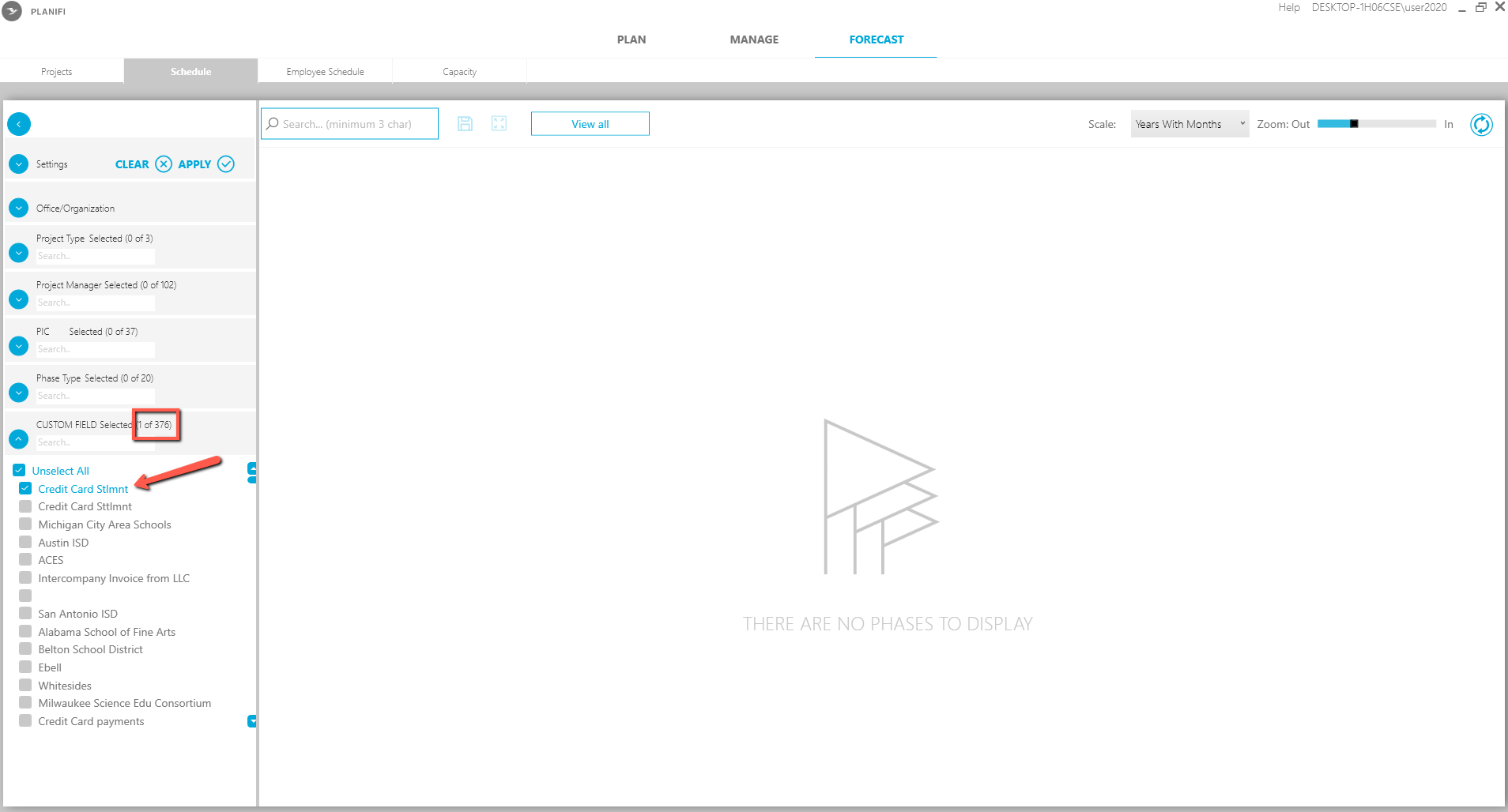
Custom Fields on Forecast Schedule Tab
Custom Fields on Forecast Schedule Tab are now supported. Contact Planifi for assistance in configuration this.