
Before you begin:
You administrator should send you a link to download the application from your internal Planifi Visual Planning deployment site.
Step 1. Open the URL provided by your administrator.
Example: http://<<Your Server Name >>/content/pmf/index.html
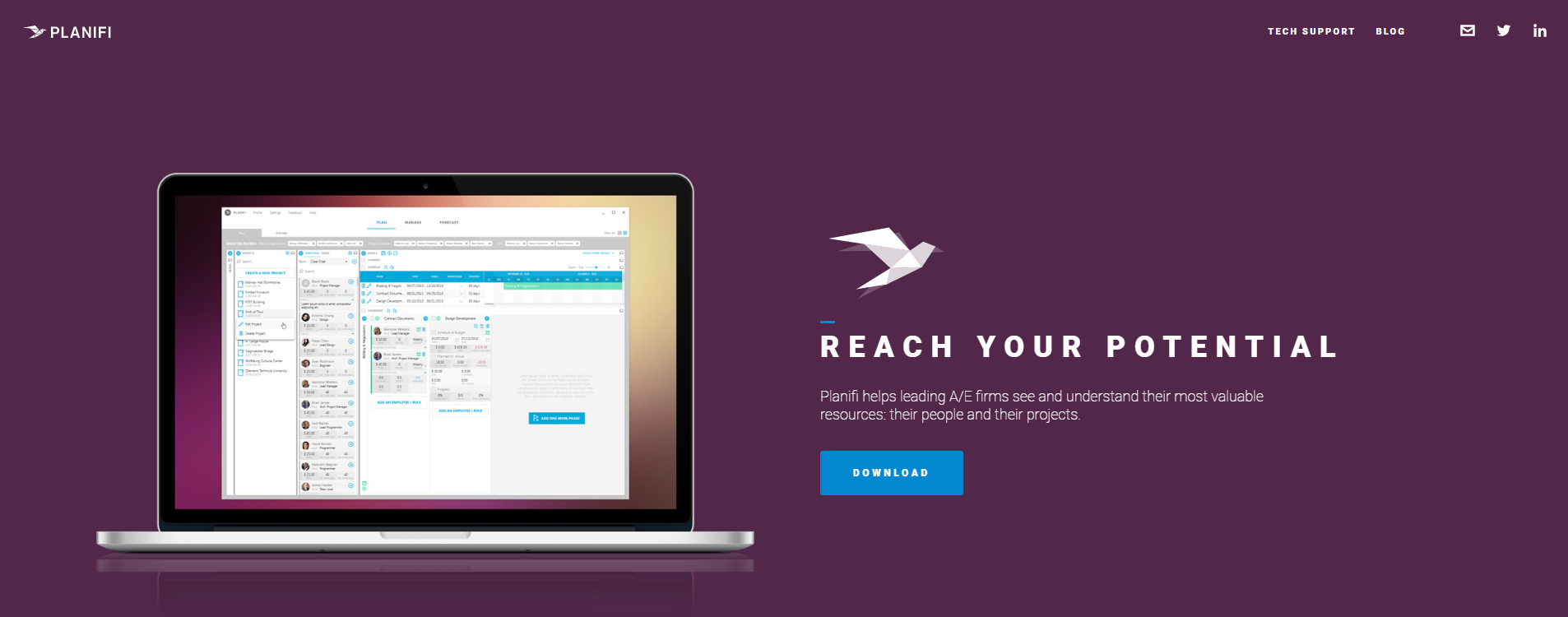
Step 2: Download the application (if prompted that the application.
Step 3: When download completes double click the icon (lower left)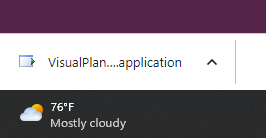
4. When you first open the application you will be prompted for a log in. For most users you can select Save and the system will automatically log you in and save the settings. Note: You may be prompted for your windows log in if so enter the information.
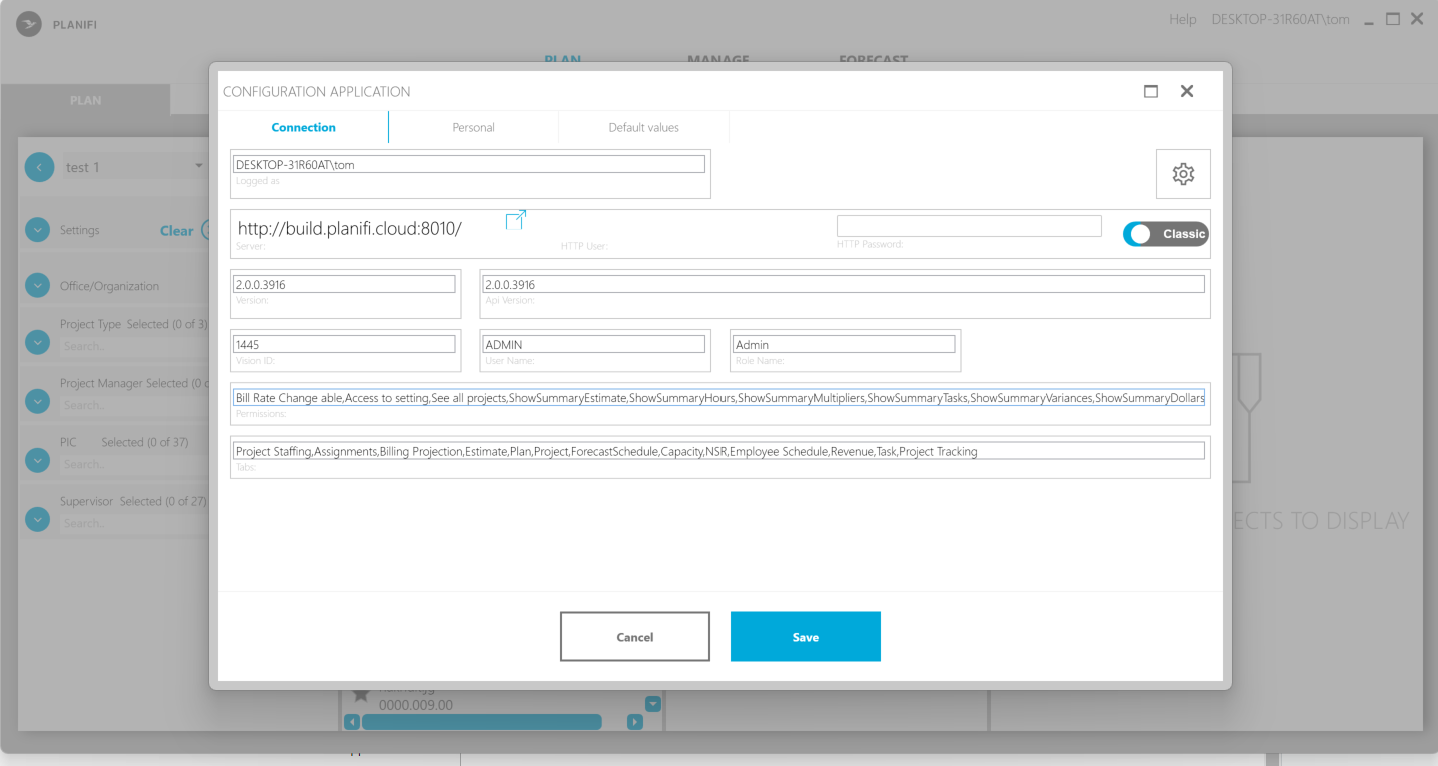
5. The application will close, reopen by searching for VisualPlanning (no space) from your desktop.
Tip: It's recommended that once the application opens you right click on the icon in the system tray and select (Pin to Taskbar)