
Each time that you open Visual Planning the system automatically checks to see if a new version is available. After a quick check the system will automatically update if the application is ready.
Note: You may be prompted to install the application. If so select Install. The install will continue.
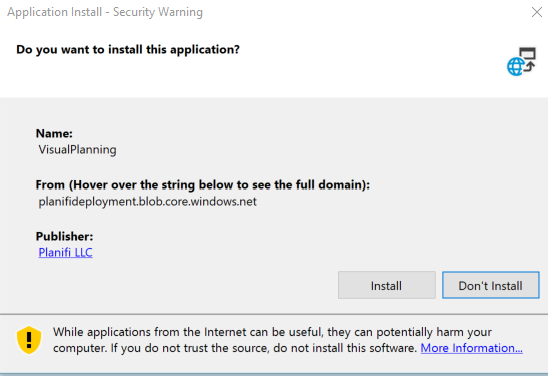
If the application does not open after the install, you may need to relaunch Visual Planning from the Start Menu or Task Bar.