
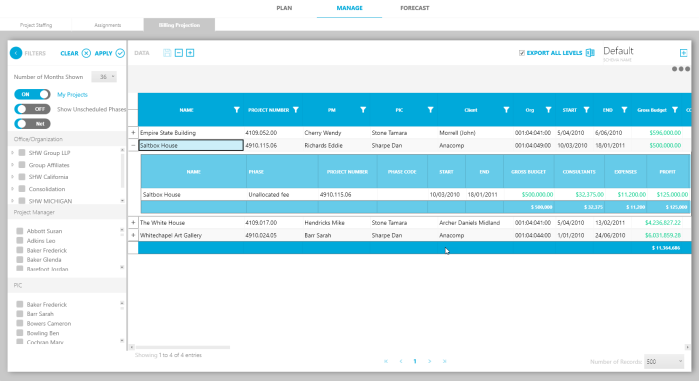
This sub-tab summarizes the billing forecasts by project across the organization for the next 52 months. You can forecast billings such as fees and revenue according to the project schedules that are maintained on the Plan module.
The Billing Projections tab uses the Billing End Cut-Off date, to determine which months to display. For example, if the Billing End Cut-Off date is set to the 5th of the month, the May billing period would appear from 5/5 through 6/4.
Billing tends to run in a monthly cycle. Typically, project managers and other users enter their billing projections toward the end of the month. Accounting or other users may review the projections. The same procedure repeats each month.
How it works
By default, the billing projection will spread the amount of the fees, by phase (or task if using WBS3) —from the start of the phase to the end. The projection takes into account the number of days in each month.
For example, a single-phase project that begins on January 1 and ends October 31. With a fee of $100,000, this project would project at $10,000—or 10% per month—by default. A user can then edit the percent of fee to bill or the dollar amount for each month.
Comparing Gross and Net amounts
The billing projection offers the ability to view fees in Net or Gross amounts.
- By default, Gross includes Expenses, Profit, and Consultants in the billed amount to be projected.
- Typically, Net removes Expenses, Consultants, and other non-labor amounts from the remaining and billed amounts. Net is configurable by fee type or GL account (in settings).
| NOTE: Terminology may varies. Billings may also be known as fees, revenue, invoice amounts or other similar terms. |