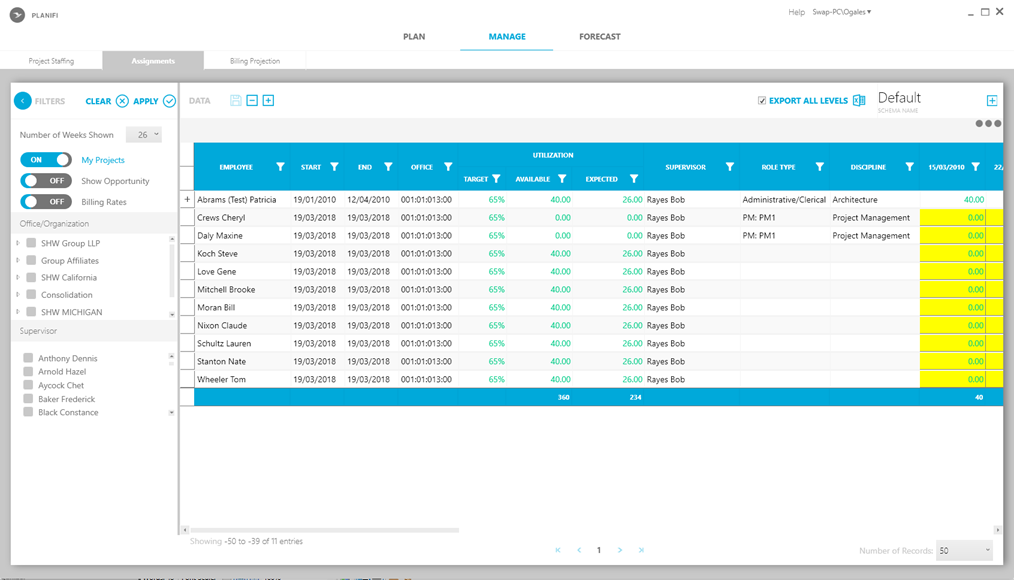
This sub-tab contains a list of your staff that has been assigned across your projects and their overall availability. Staff members can also use this sub-tab to confirm which projects they are currently working on and any projects they have been scheduled to work on.
Begin by doing the following:
- Choose the filters to list your projects.
- Review the list of project resources and assignments that match the filter criteria.
- Explore the Assignments sub-tab to learn which projects your resources are currently working on and any projects they are scheduled to work on.
Editing employee hours
It's easy to drill down employee details to update assignment hours:
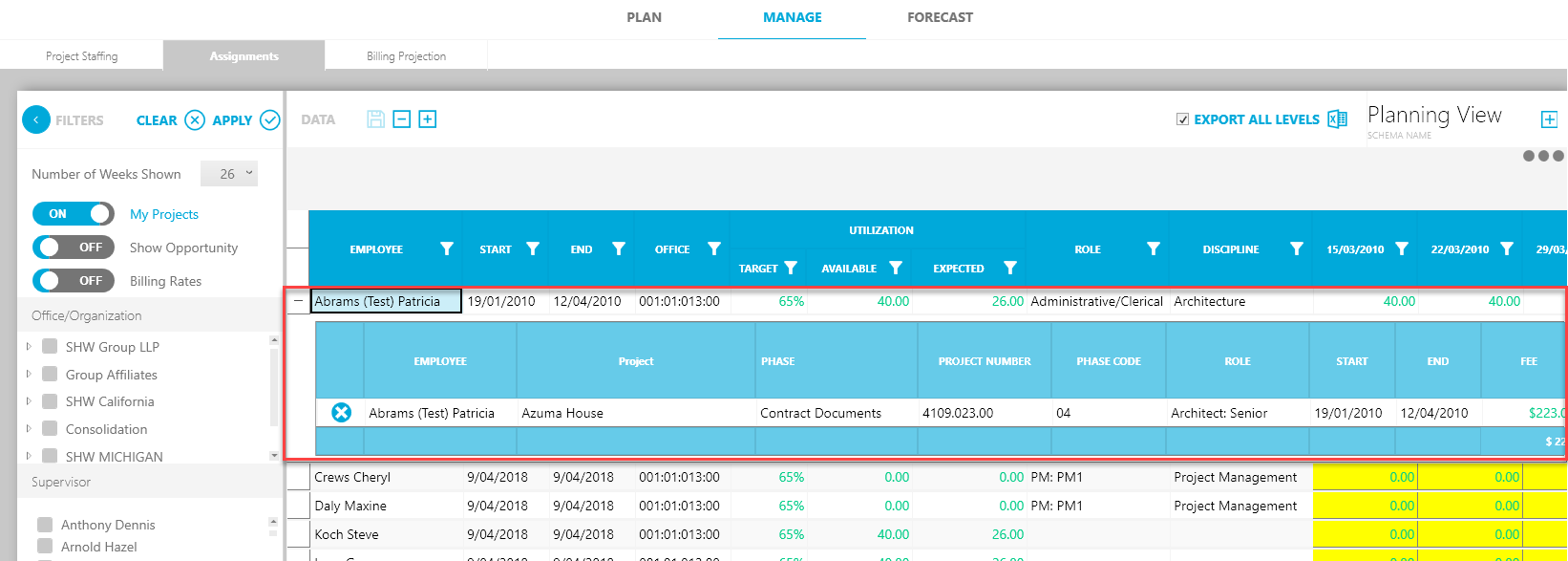
1. From the Assignments tab, click + to expand and view employee details.
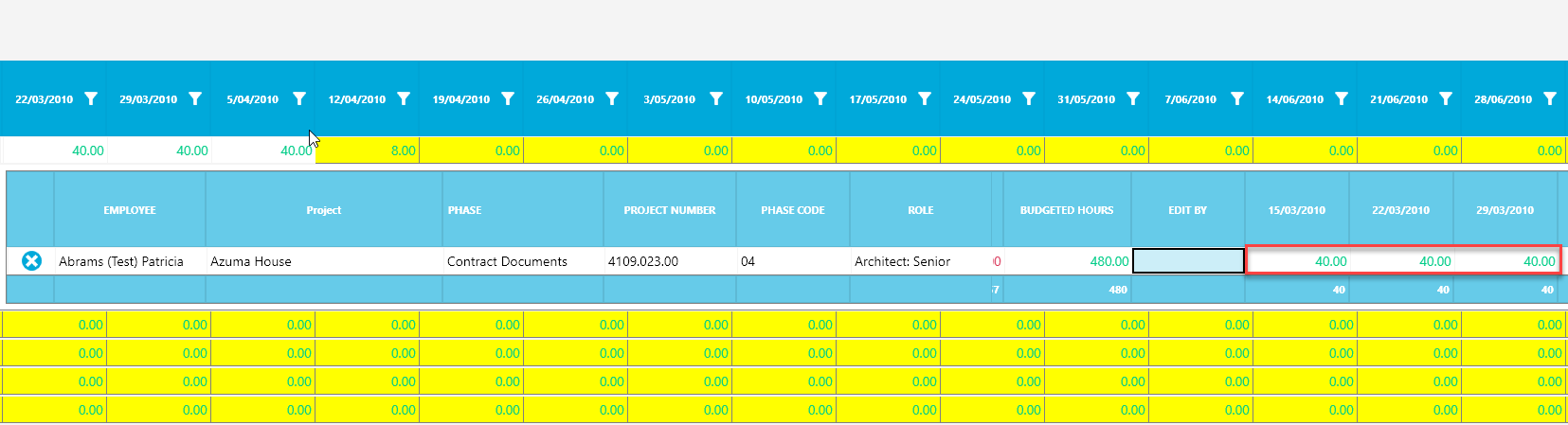
2. Edit the hours you want to schedule and the total Budget hours will automatically update.