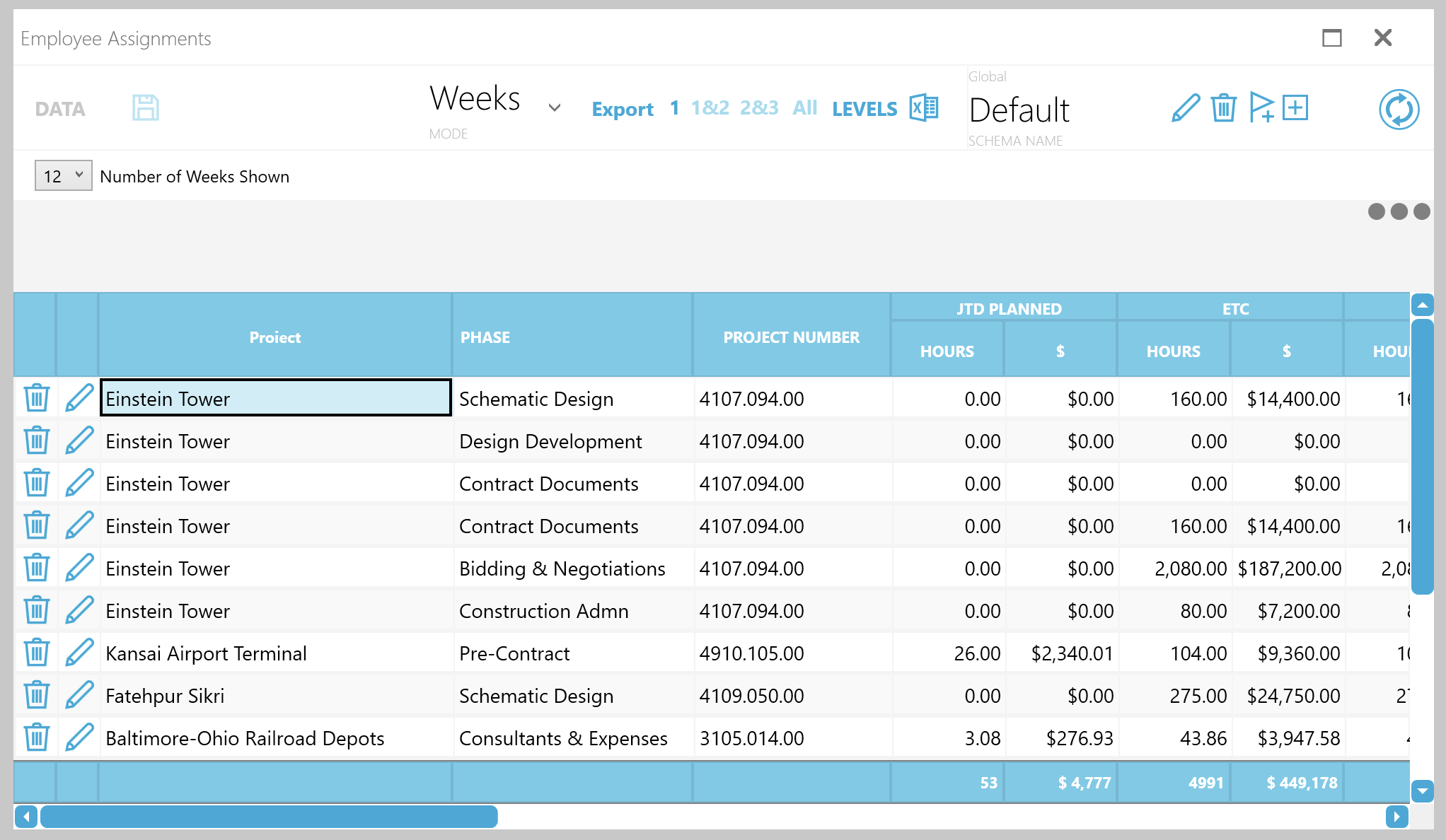
When you click on a project, this pane will display a list of employee resources available to work on the project, and schedule for a selected employee.
Employee Bill Rates
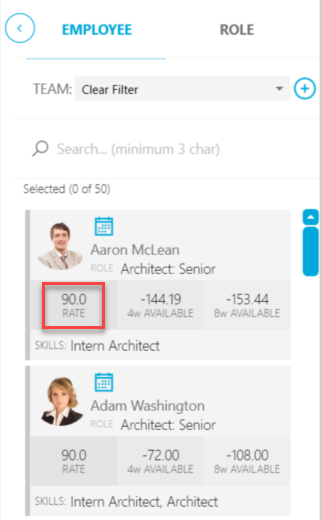
Each employee card contains a Rate, which is configured in the financial system and linked to the project currently selected.
Rate types include:
- Labor Code Billing
- Category Billing
- Multiplier
- Employee Rates
Availability
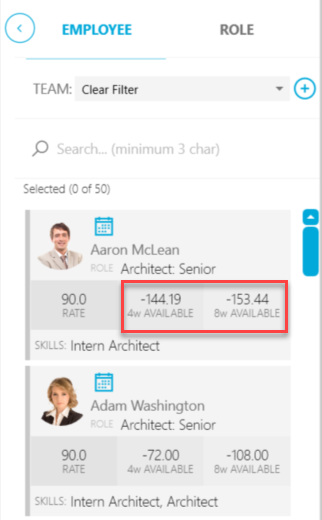
Employee availability is given in two values, an average number of hours for the next four weeks and also for the next 8 weeks. In this example, Aaron McLean is significantly overscheduled by an average of 144 hours over the next four weeks.
Skills
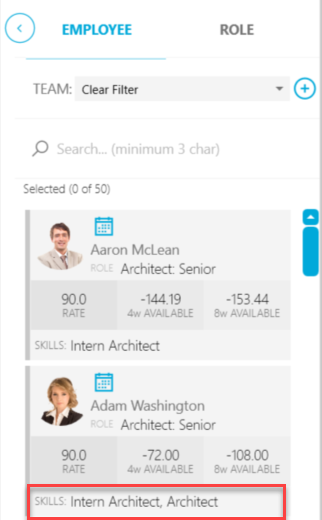
Employee skills appear at the bottom of the card. Examples of skills include Project Manager, Architect, and Developer. Use this information while planning and estimating projects that involve these disciplines.
| NOTE: Skills information displayed is imported from the financial system. Your organization may not have skills available. Please contact your Planifi Administrator if you have questions. |
Schedule
At the top of the employee card, you'll find a small Schedule button.
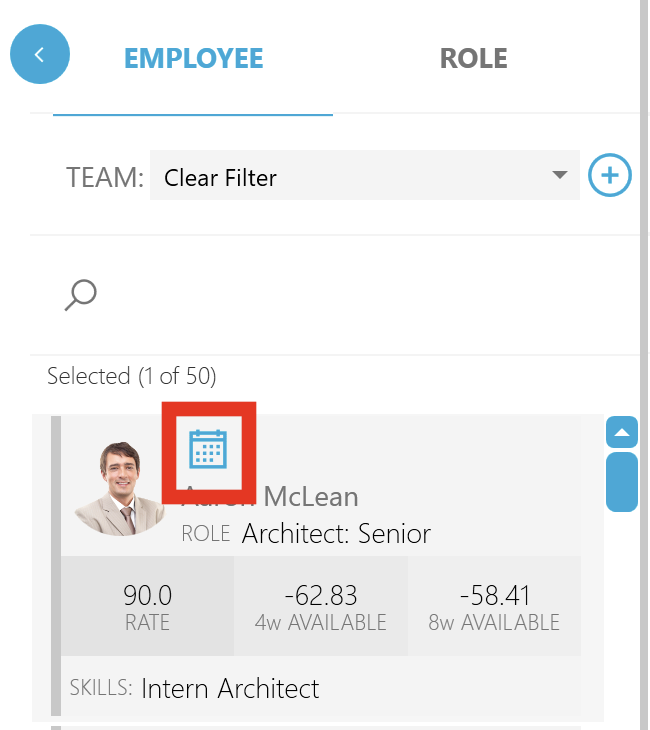
Click this button to display a popup window containing assignments for this employee over the next few weeks.