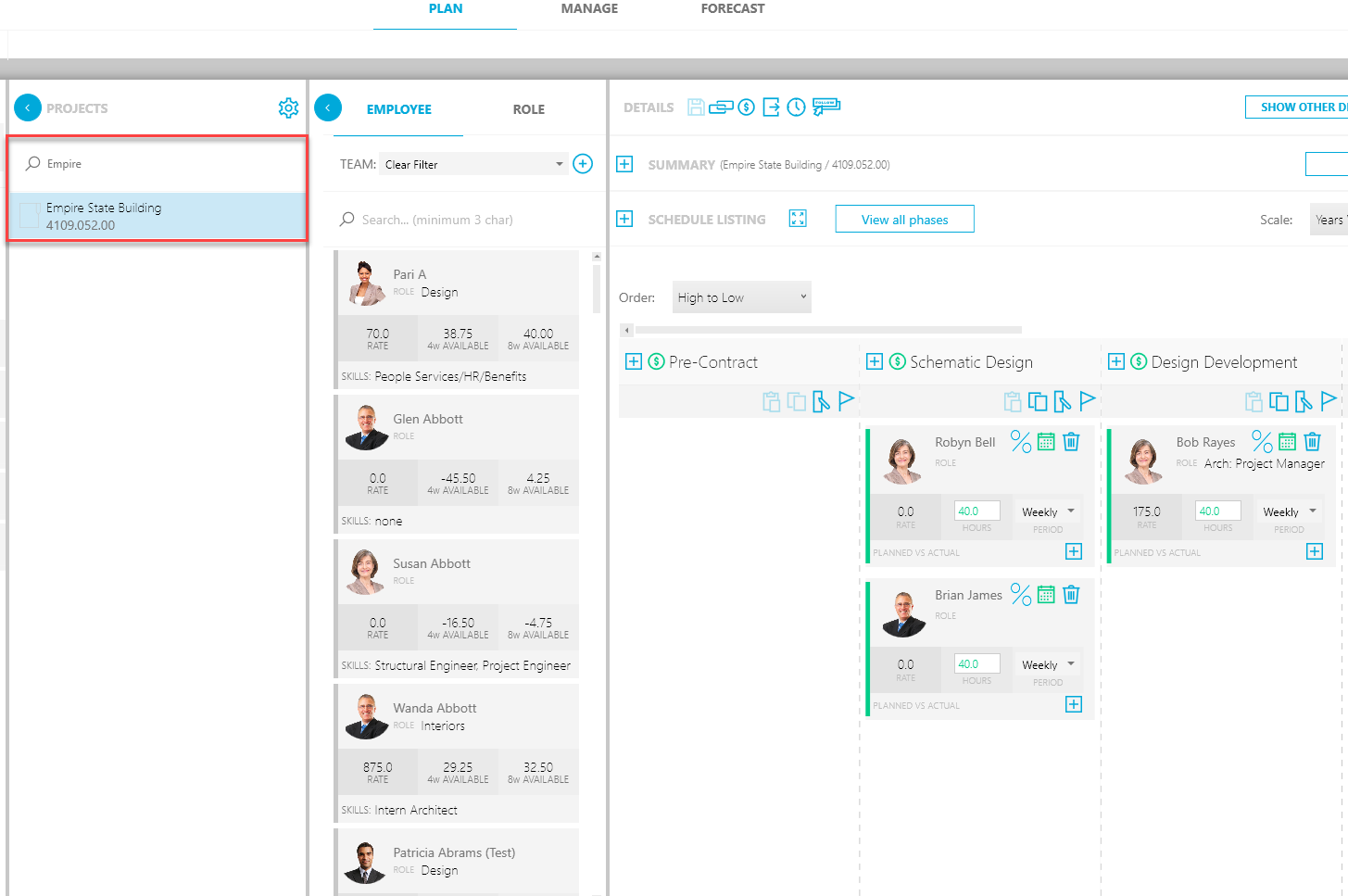
It's easy to access details for a project in the Plan sub-tab:
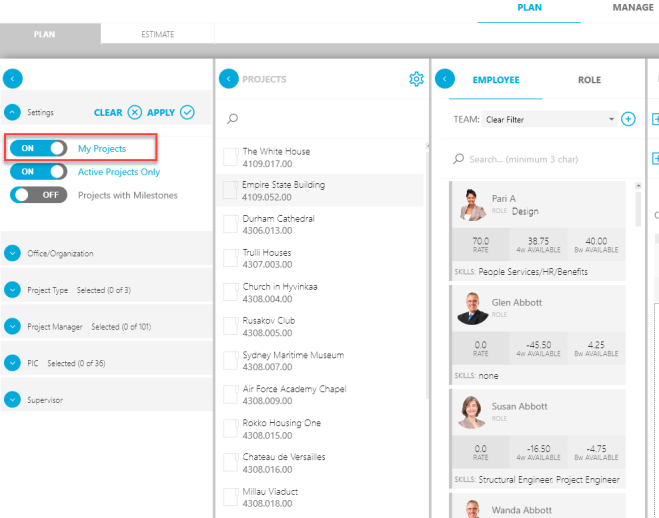
- In the Settings section of the Filter pane, toggle My Projects to ON. Only the projects assigned to you will appear in the search (see the next step).
- In the Projects list, type in a name or project number for the project and hit the Enter key.
- In the list, click the specific project you want to see. Information about the project will appear in the Details pane to the right.