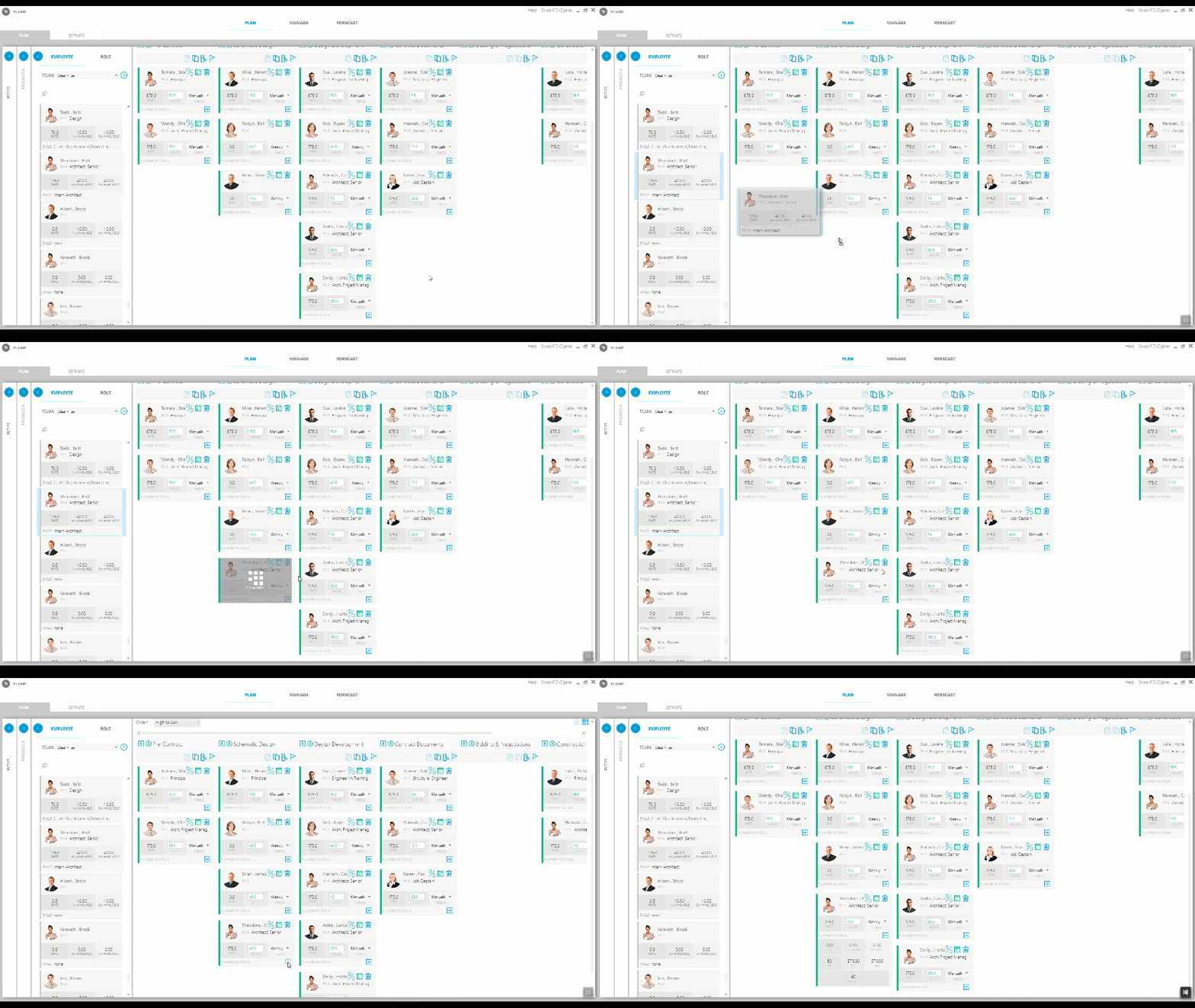
You can easily reassign one or more employees to another phase by simply dragging-and-dropping the employee cards onto the target phase.
Follow these steps:
- In the Details pane of the Plan tab, locate the employee you want to add to a phase.
Of course, you can search on the employee name or role. - Drag-and-drop the employee from the Employee pane to the phase to which you want to assign that person.
Assigning Hours
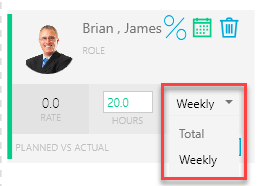
After you drag an employee into the target phase, you may need to update the Hours. If necessary, click the drop-down to change the mode to either a Total budget or Weekly budget.