Follow these steps to adjust the start and end date for the phases of a project schedule.
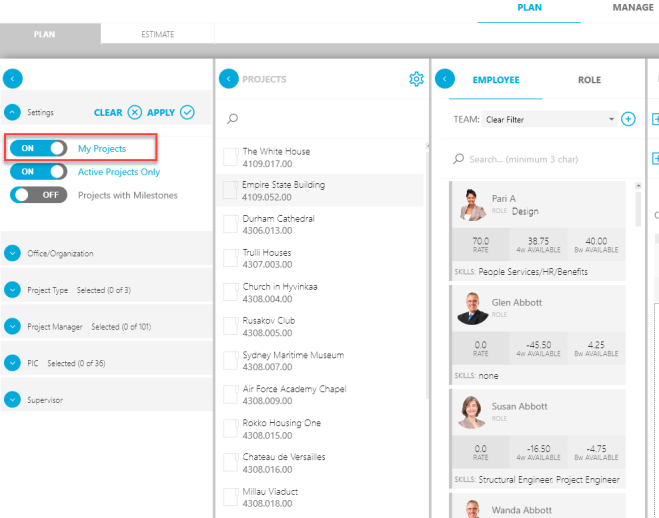
- On the Plan tab, in the Settings sections of the Filter pane, toggle My Projects to ON to filter the Projects list to your projects only.
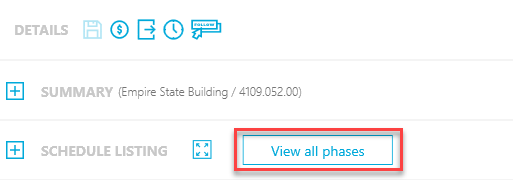
- In the Details pane, click the View All Phases button in the Schedule Listing section to display the list of phases for this project.
- Select Scheduled (or select All) to edit a phase.
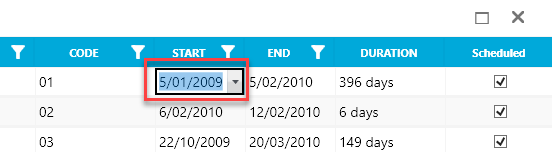
- Click the small drop-down for any of the Start or End dates to adjust the beginning and end of any phase.