
You can change the default budget method and default hours and apply those changes to all employees.
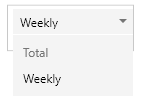
The default budget method options are either total hours or weekly:
- Total Hours — Choosing Total Hours will cause the number of hours for the assignment entered will be spread evenly over the assignment periods. For example, a 100-hour assignment over 10 weeks will assign 10 hours per week.
- Weekly — Choosing Weekly will cause the amount of hours entered to be used in each week. If the duration of the phase is extended, the assignment hours will increase. If the duration of the phase is shortened, the assignment hours will decrease.
Follow these steps to change the default budget method:
- In the top-right of the screen, click your username to display the Configuration Application popup window.
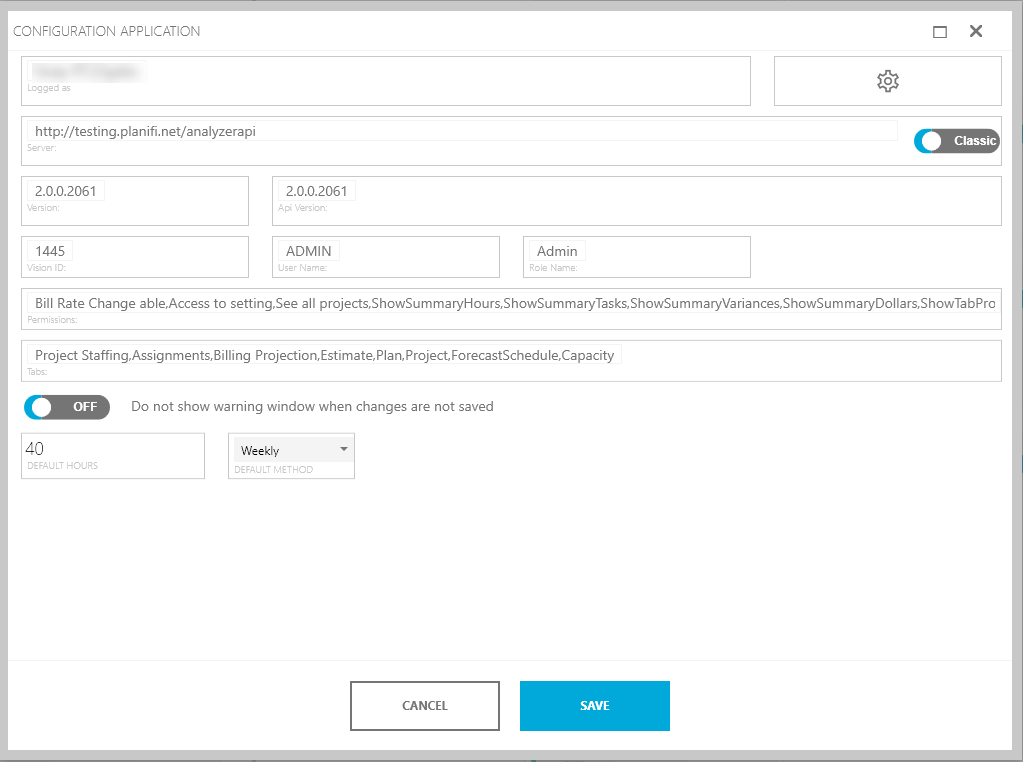
- In the Default Method dropdown, choose Total or Weekly.
- To change the default hours, edit the Default Hours.

- Click Save to commit your changes. and apply the default budget method and default hours to all employees for future projects.